

Most conversations about websites stop at launch day. The site goes live, everyone is pleased, and nobody mentions what happens next.
What happens next is that the website starts ageing, quietly, from the day it launches.
This is not a scare story — it is the normal behaviour of software connected to the internet. Understanding it is the difference between a site that still works in three years and one that has to be rebuilt.
What actually goes wrong on a neglected site
Software falls behind. WordPress, the theme and every plugin release updates regularly. Many of those updates close security holes that are publicly documented once patched. A site running last year’s versions is running a published list of ways in.
Plugins conflict or get abandoned. A plugin whose developer stops maintaining it does not announce itself. It simply stops receiving fixes and eventually breaks something.
Forms stop sending. This is the one that costs real money, and it is almost always silent. A hosting change, an email setting, a plugin update — and enquiries stop arriving. Nobody notices, because a form that fails looks exactly like a quiet month.
Content goes stale. Hours change, staff leave, prices move, services get dropped. Customers who act on outdated information do not usually complain — they just stop trusting the business.
Speed drifts. Images get uploaded at full camera resolution, plugins accumulate, and a site that loaded in two seconds takes six. Google measures this — its Core Web Vitals guidance sets out the thresholds — and so do visitors, who leave.
Backups turn out not to exist. Many hosts advertise backups. Fewer make it easy to restore one, and far fewer have been tested. A backup nobody has ever restored is a hope, not a plan. WordPress publishes its own guidance on backups, and the important line is that you should be able to restore, not merely possess.
What maintenance actually covers
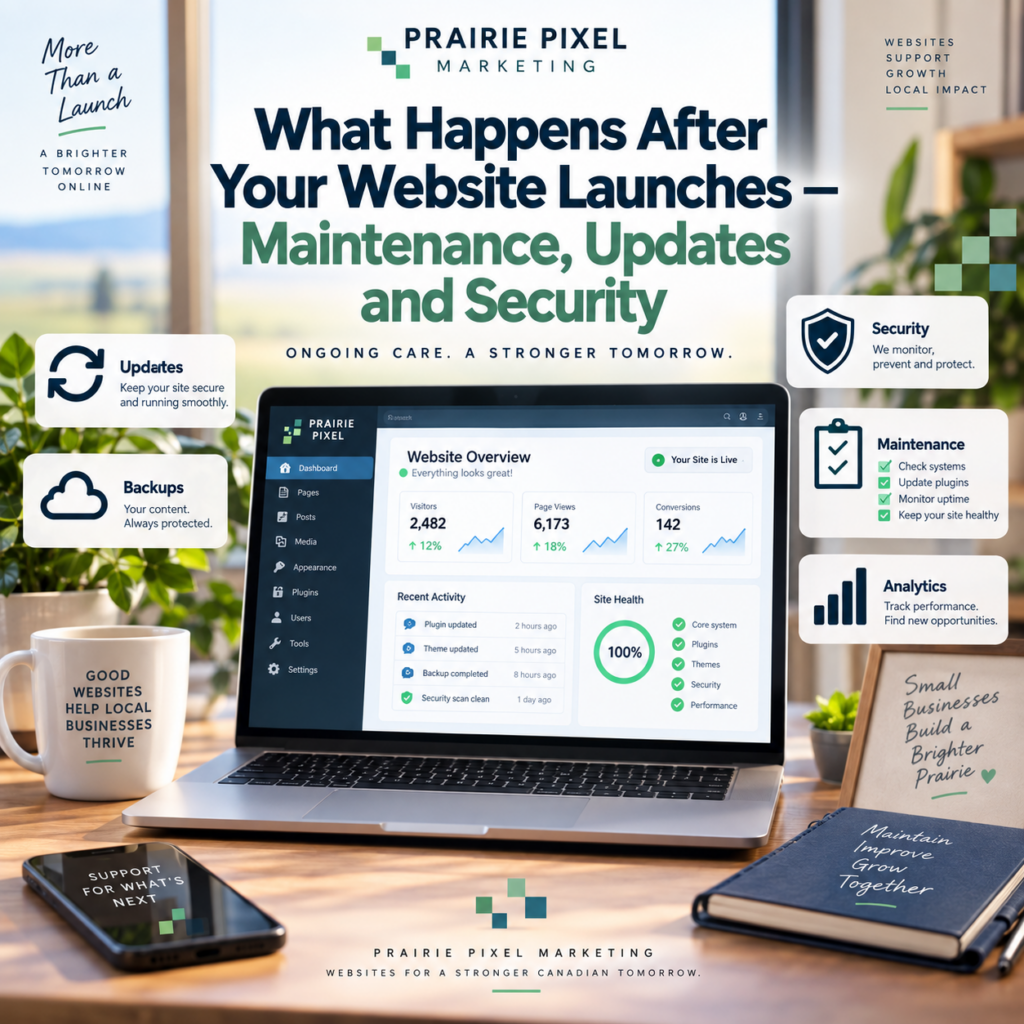
A sensible plan is unglamorous:
- Updates — core, theme and plugins, applied carefully rather than automatically, with a check that nothing broke afterwards
- Backups — taken off the server, with a tested restore path
- Security monitoring — file changes, login attempts, malware scanning
- Uptime monitoring — you should hear about downtime from your provider, not from a customer
- Form testing — an actual test submission, regularly, because silent failure is the expensive one
- Speed checks — catching image bloat before it becomes a problem
- Small content changes — hours, staff, prices, new photos
That last item is what most owners actually want. Being able to send a message saying “our hours changed” and have it done that day is worth more day to day than anything else on the list.
Who is responsible when something goes wrong?
Worth settling before you need the answer.
If the site was built by someone who then walked away, the answer is usually you — which is a difficult discovery to make on a Sunday when the site is down.
Reasonable questions to ask whoever built or hosts your site:
- Who applies updates, and how often?
- Where are backups stored, and has a restore ever been tested?
- If the site goes down at the weekend, who responds and how fast?
- If it is hacked, who cleans it up, and is that included or billed separately?
- Do I own the domain, the hosting account and the site files?
That last one catches people out more than anything else. If your domain is registered in an agency’s name, you do not fully control your own web address. It should be in the business’s name, with you holding the login.
The Steinbach angle
Small businesses in this region tend to be built through relationships, and websites often follow the same pattern — a friend’s nephew, a contractor who has since moved on, a company that folded.
The site keeps running, which is precisely the problem. There is no obvious moment where anyone decides it needs attention, until something breaks badly.
If you cannot name the person responsible for your website’s updates and backups, the honest answer is that nobody is.
Does every business need a paid plan?
No. A five-page site that rarely changes, on decent hosting with genuine automated backups, can go a long way with an hour of attention every couple of months.
A plan earns its money when:
- The site takes enquiries through forms — the failure mode is silent and expensive
- You change content regularly and do not want to do it yourself
- The site takes payments or holds customer data
- You have been hacked before
- You simply do not want to think about it
If the honest answer is that you will never get round to it yourself, a plan is cheaper than a rebuild. Recovering a hacked or badly outdated site routinely costs more than years of maintenance.
A short self-check
Answer these about your own site:
- When were the plugins last updated?
- When did you last submit a test message through your own contact form?
- Where is the most recent backup, and has anyone restored one?
- Is the domain registered in your business’s name?
- Who do you call at 9pm on a Saturday if it goes down?
Any question you cannot answer is worth resolving before it becomes urgent.
Talk it through
We build sites for businesses across southeast Manitoba and we look after them afterwards. If you are not sure what state your current site is in, or who is responsible for it, we can take a look and tell you plainly.
Call (204) 229-5069 or use the contact page.